Whether for registering for events, subscribing to newsletter formats, downloading publications or using the DGNB System Software, the DGNB Navigator or the myDGNB network platform: The DGNB has a number of digital features for which you need to register.
With the introduction of the DGNB User Account, all these functionalities are bundled. Instead of having to fill out forms again and again or maintain several parallel accounts, you will only have to register once from now on. After agreeing to the terms and conditions, you will have access to a wide range of options on various DGNB digital platforms free of charge.
Benefits of your DGNB User Account
One account for numerous DGNB platforms:
- Direct booking of training courses and registration for DGNB events via DGNB website
- Direct download of publications on DGNB website
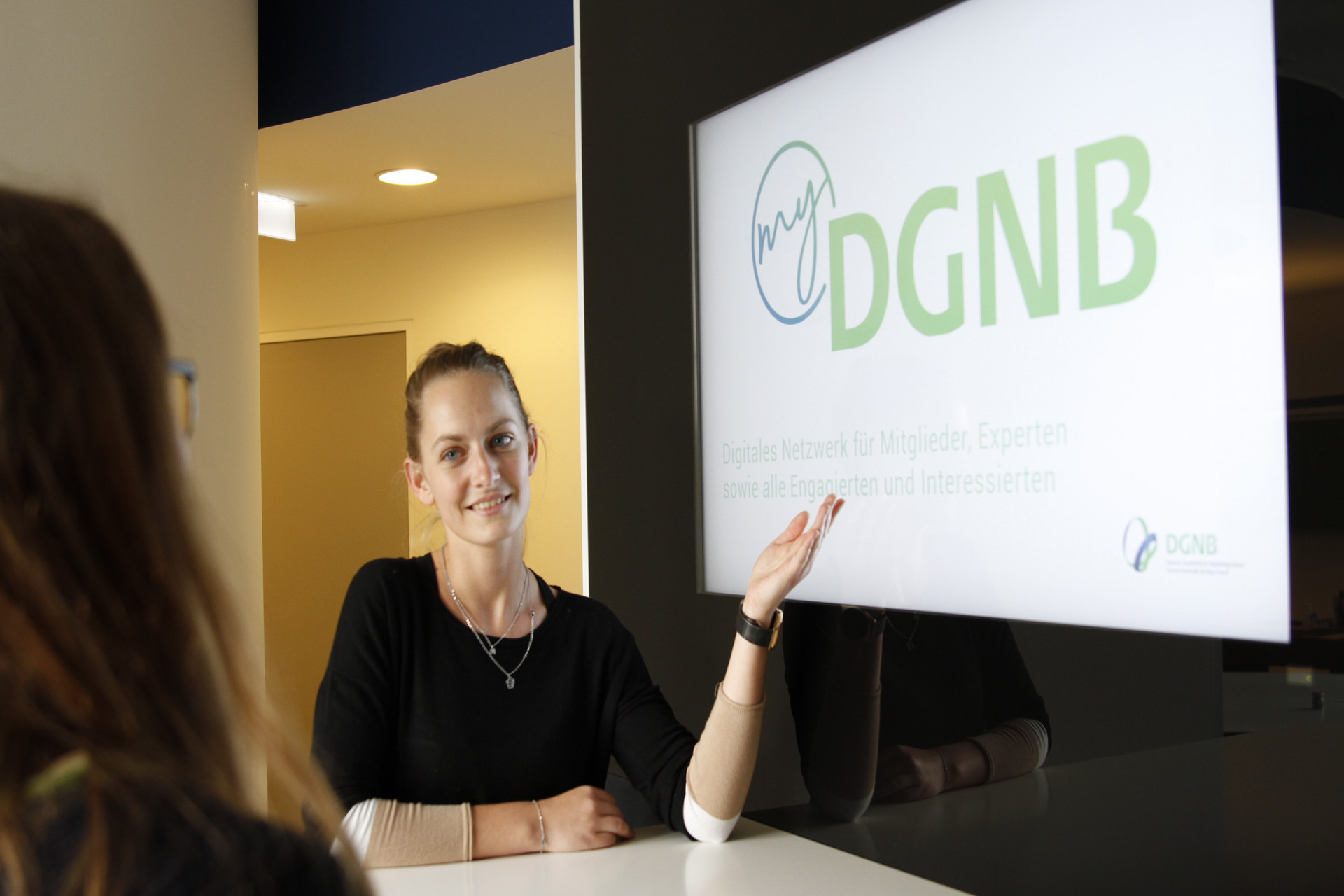
- Immediate use of myDGNB (with basic function)
- Additional permissions in myDGNB (e.g. as DGNB members, DGNB auditors) after verification by DGNB
- Access to the DGNB System Software and its integrated tools*.
- Use of the DGNB Navigator with all functionalities*.
Use of self-services:
- Maintenance of personal contact details
- Maintenance of own profile in myDGNB
- Management of your subscribed newsletter formats
- Maintenance of your organisation's member profile on the DGNB website*
- Maintenance of your own product pages in the DGNB Navigator*
- Management of projects registered for certification in the DGNB System Software*
* with appropriate authorisation
Create a DGNB User Account
To set up a DGNB User Account, click on ‘register’ on the home page and complete the registration form. After You have completed the registration form by clicking on the ‘Register now’ button, we will first check Your details and any special authorisations that may result. This process may take some time, so you will not be able to log into your DGNB User Account immediately after registration. After the verification is completed You will be informed via email.
Please note: Your DGNB User Account is a personal account that can be used, among other things, to register for events and training courses, to work with the DGNB System Software and to subscribe to newsletters. For this reason, we do not recommend the use of shared e-mail inboxes for registration. If you have any questions regarding registration, please contact online@dgnb.de.
Frequently asked questions
Add and edit organisational affiliations in the 'Organisations' section, with a maximum of 10 organisations per person. Control visibility in the 'Public Data' section.
To end an affiliation, click 'End Activity' for the relevant organisation in the 'Organisations' section. This action can be reversed within 3 days.
When you change employers, you will initially lose access to your projects in the DGNB System Software. Once the legal basis necessary for further processing of the projects has been clarified, the projects will be reassigned to you by DGNB staff. Please contact system@dgnb.de for assistance.
The prerequisite for your data to be displayed correctly in the DGNB System Software is that you specify the organisation in the DGNB User Account in the 'Organisations' section and approve the publication of the organisational affiliation in the 'Public Details' section of the DGNB User Account. In addition, you must first log in independently with your username in the DGNB System Software.
As a DGNB Certification expert, you can independently control the following displays:
- In the ‘Public Details’ section of the DGNB User Account, you can decide individually for each active license and/or competence whether it is visible in myDGNB and on the website in the certification expert search.
- In the ‘Public Details’ section of the DGNB User Account, you can decide individually for each existing organisational affiliation whether this information is visible in myDGNB and on the website in the certification expert search.
When you assign yourself to a member or manufacturer organisation in the 'Organisations' section, DGNB staff will verify your affiliation based on your email address. Your changes will become visible in your user account only after the DGNB has confirmed your affiliation. You will receive a confirmation email once the assignment is successful.
In the 'Organisations' section, the highest-ranked organisation appears as your 'Main organisation of my professional activities'. You can change the ranking using drag and drop on the left-hand side of the organisation data.
The main organisation is particularly important as a DGNB Certification expert, as you will appear in the list of DGNB Certification experts with this address data and your participation in a DGNB event as a trainer or speaker will be displayed with this address data.
Your contact
Technical support for the DGNB User Account
Contact: online@dgnb.de
To process your request as quickly as possible, please send us, if possible, a screenshot of your error, your user name and the time when the problem first occurred.
Thank you!